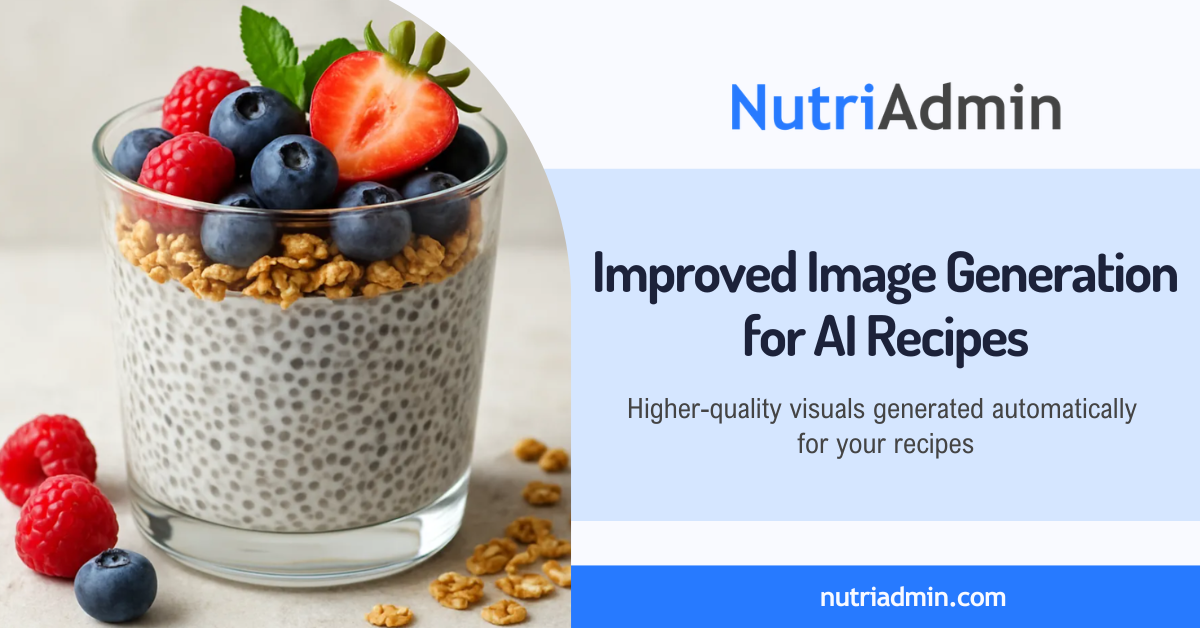
If you use NutriAdmin’s AI recipe generator, you may have already noticed the images looking a bit sharper than usual. We’ve updated the image generation model behind this feature, which means better quality images at no extra cost.
This post covers what changed and how it affects your day-to-day use.
How It Works and What Changed
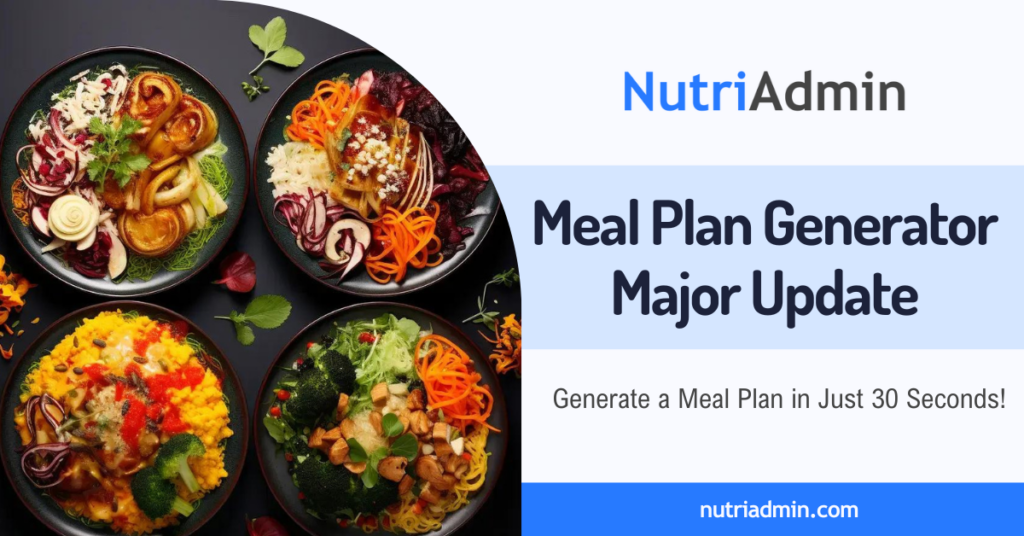
The AI recipe generator lets you describe a dish and get back a full recipe including a title, ingredients, and step-by-step instructions. As part of that process, the tool also generates four image options for you to choose from.
We’ve updated the model that handles those images. The new model produces higher-quality results than the previous one: better food textures, cleaner composition, and images that hold up better as client-facing material.
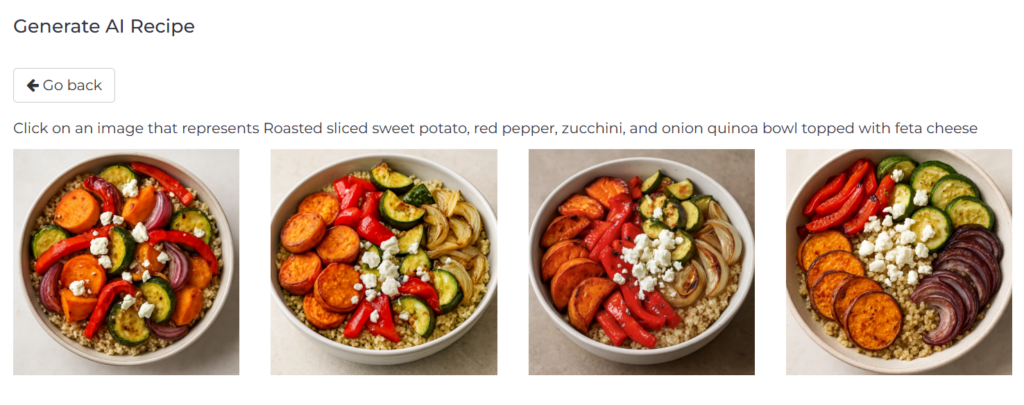
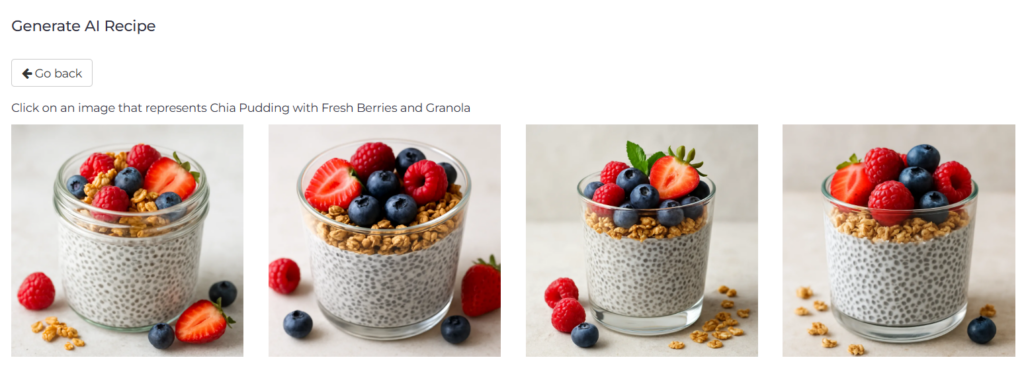
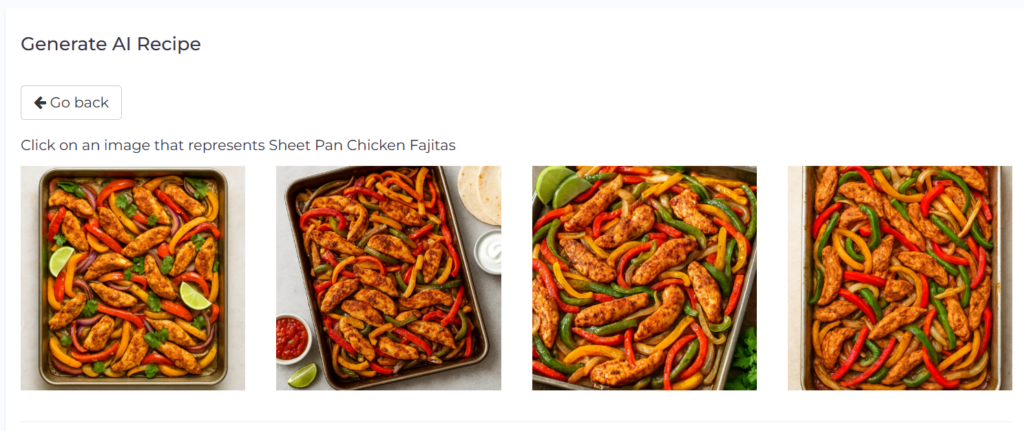
The pricing has not changed. The add-on remains $2 per month for 20 recipe generations. This update reflects improvements in AI image generation technology that we were able to switch to without passing on any cost increase.
How This Improves Your Workflow
Image quality probably isn’t the first thing on your mind when building a meal plan. But visuals can influence how meal plans are received by clients.
Less Time Sourcing Images Manually
Creating client-ready recipes often involves more than writing instructions. You may also need to find suitable images that match the dish, which can take time, especially when working with specific dietary requirements or less common meals. There is also the added step of checking whether images are licensed for use and safe to include in client-facing materials.
With NutriAdmin, both the recipe and the images are generated together. This removes the need to search through stock photo libraries or manually match visuals, allowing you to move from idea to finished recipe more quickly.
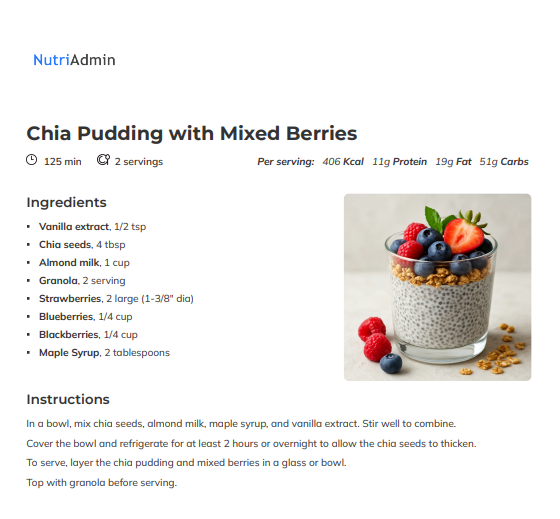
Better First Impressions for New Clients
If you share sample recipes as part of your onboarding process or as a preview of what working with you looks like, image quality contributes to how prospective clients perceive your practice. Polished visuals support the credibility you have already built through your expertise and qualifications.
Practical Use Cases for Nutrition and Fitness Professionals
Building Custom Recipe Libraries for Specific Condition
If you work with clients managing conditions like type 2 diabetes, PCOS, or inflammatory bowel disease, you often need recipes tailored to very specific parameters. The AI recipe generator lets you describe the dish with those constraints in mind. The improved images mean that the resulting recipe cards look professional enough to include directly in client handouts.
AI Images as a Practical Alternative
Many practitioners prefer using original recipe photography, and in some cases that may still be the best option. At the same time, producing professional food images consistently requires significant time and resources.
AI-generated visuals offer a faster way to create polished recipe materials, especially for meal plans created at scale.
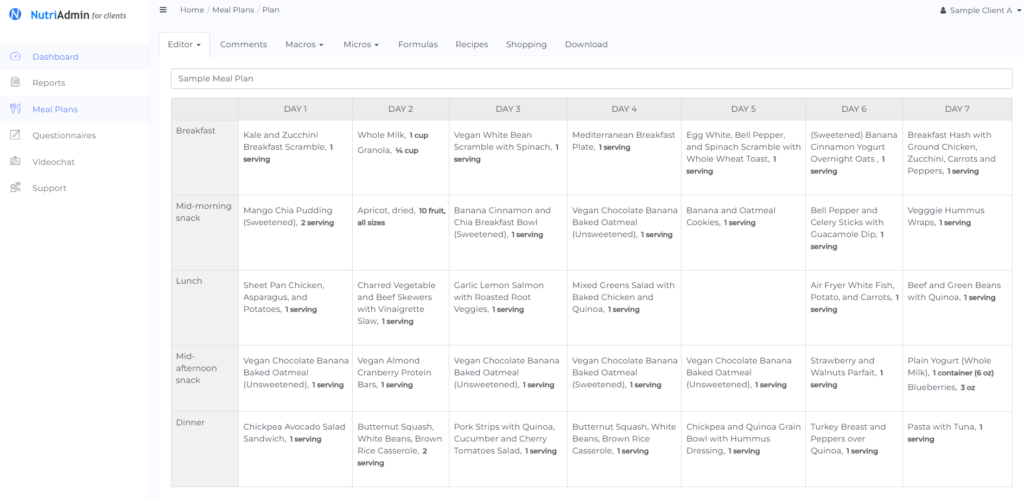
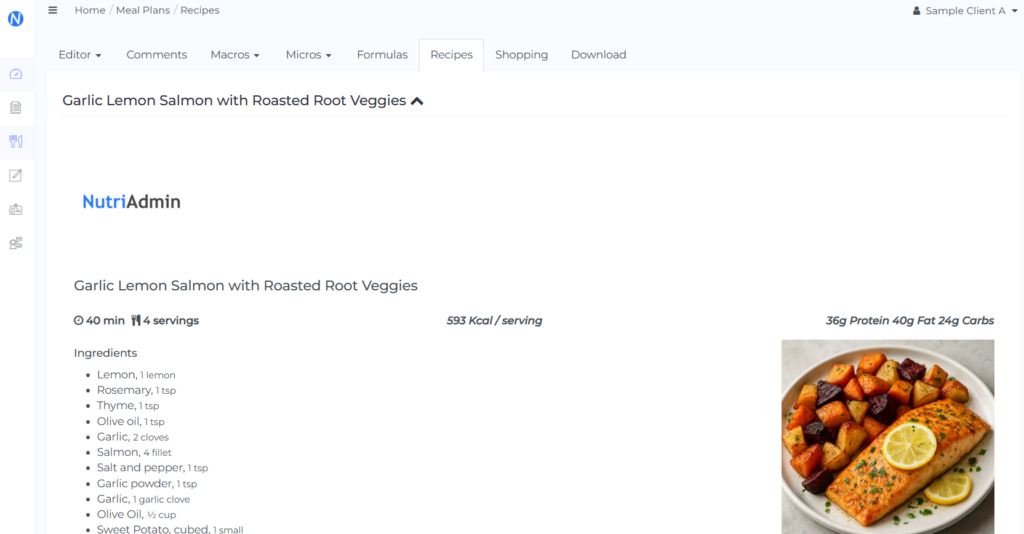
Meal Plan Creation with Visual Appeal
When you send a client a weekly meal plan, having a high-quality image alongside each recipe makes the document easier to scan and a bit more inviting. Using NutriAdmin’s recipe generator, you can build out a meal plan without separately looking for photos or leaving the image blank.
Social Media and Content Marketing
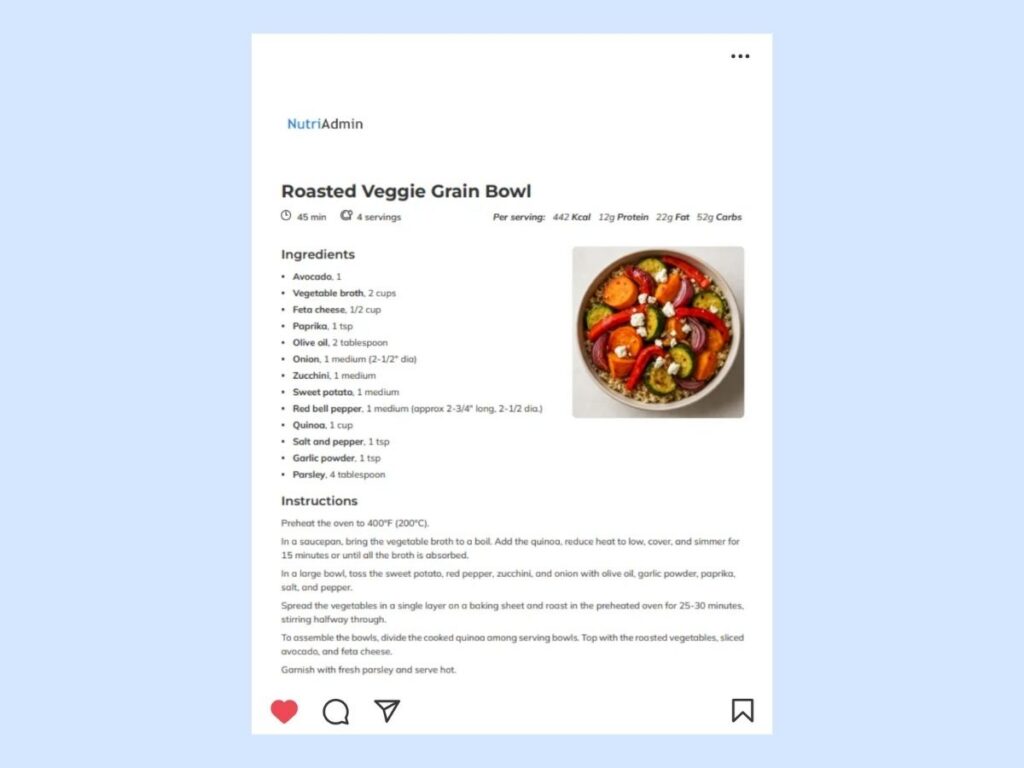
Many nutrition professionals share recipes through newsletters or social media as a way to attract new clients and demonstrate their expertise. If you use NutriAdmin-generated recipes as part of your content strategy, the upgraded image quality gives you better raw material to work with.
Key Takeaways for Practitioners
- NutriAdmin’s AI recipe generator now uses an updated image model that produces better quality results.
- There is no price increase. The add-on remains $2 per month for 20 recipe generations.
- The update is live and automatic. Nothing needs to be enabled or reconfigured.
- The improved images reduce the need to source or edit visuals separately.
- The feature is available as an add-on on all NutriAdmin plans.
Getting Started With the AI Recipe Generator
If you’re already using NutriAdmin’s AI recipe generator, the updated images are live now. Just generate a recipe as you normally would.
If you haven’t tried this add-on yet, you can activate it from your NutriAdmin dashboard by following this tutorial. It’s available on all plans for $2 per month, which covers 20 recipe generations.